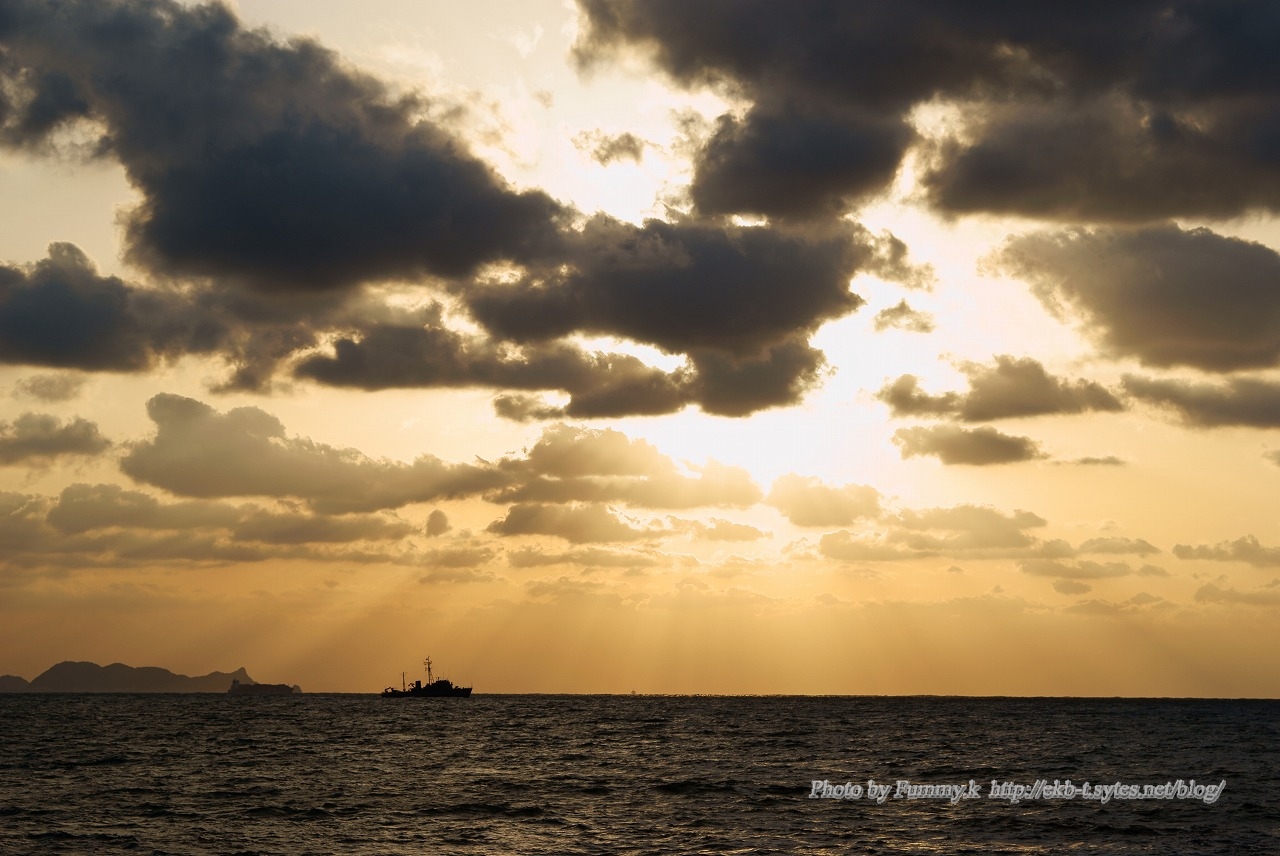
12月に入り世間は師走で忙しいようだ。関門も先日事故があったくらいで、結構船の往来が激しいかと思いきや、それほどでもなかった。大型船があまり航行していないようだ。師走といえども、不景気なので、船の往来も減っているのだろうか。そういえば、新門司から神戸に向かうフェリーは2隻がもう稼動していなそうだなあ。
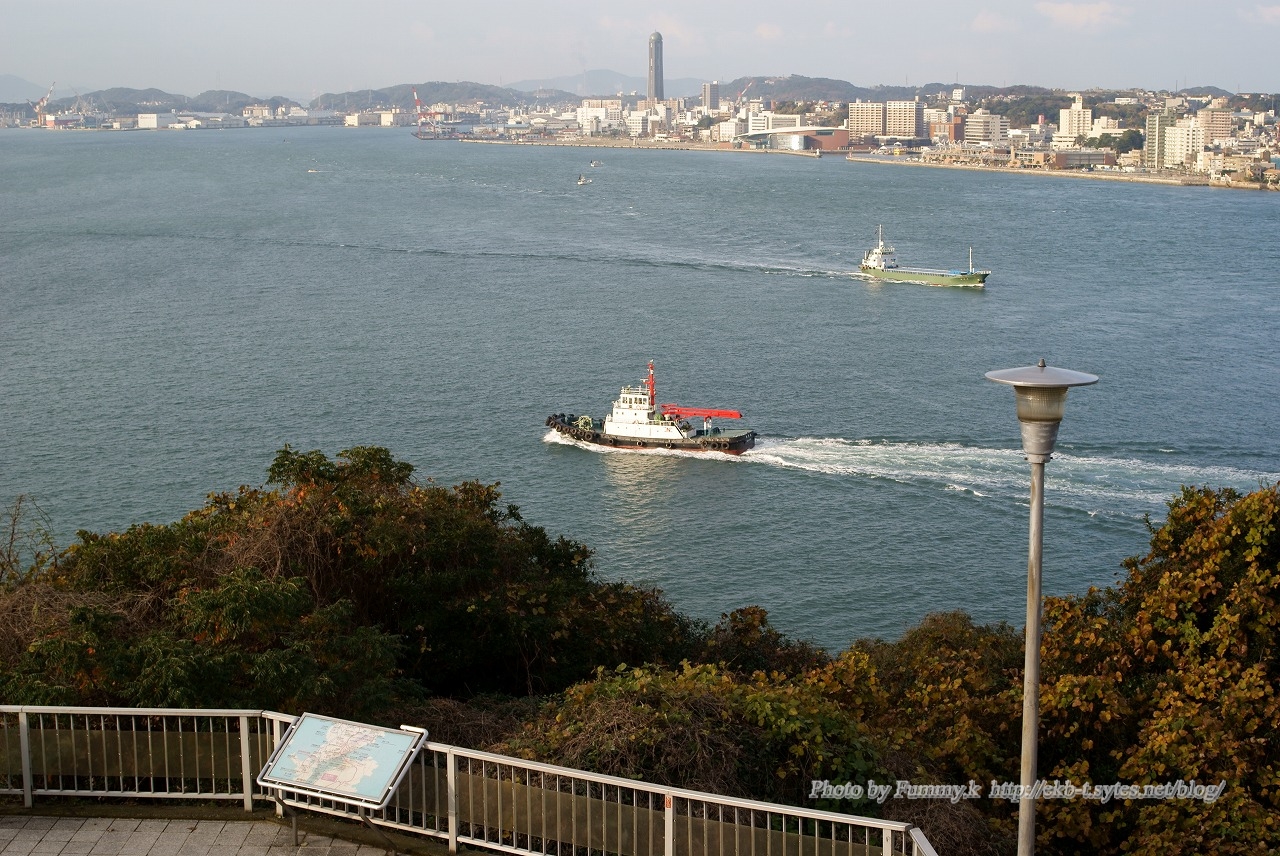
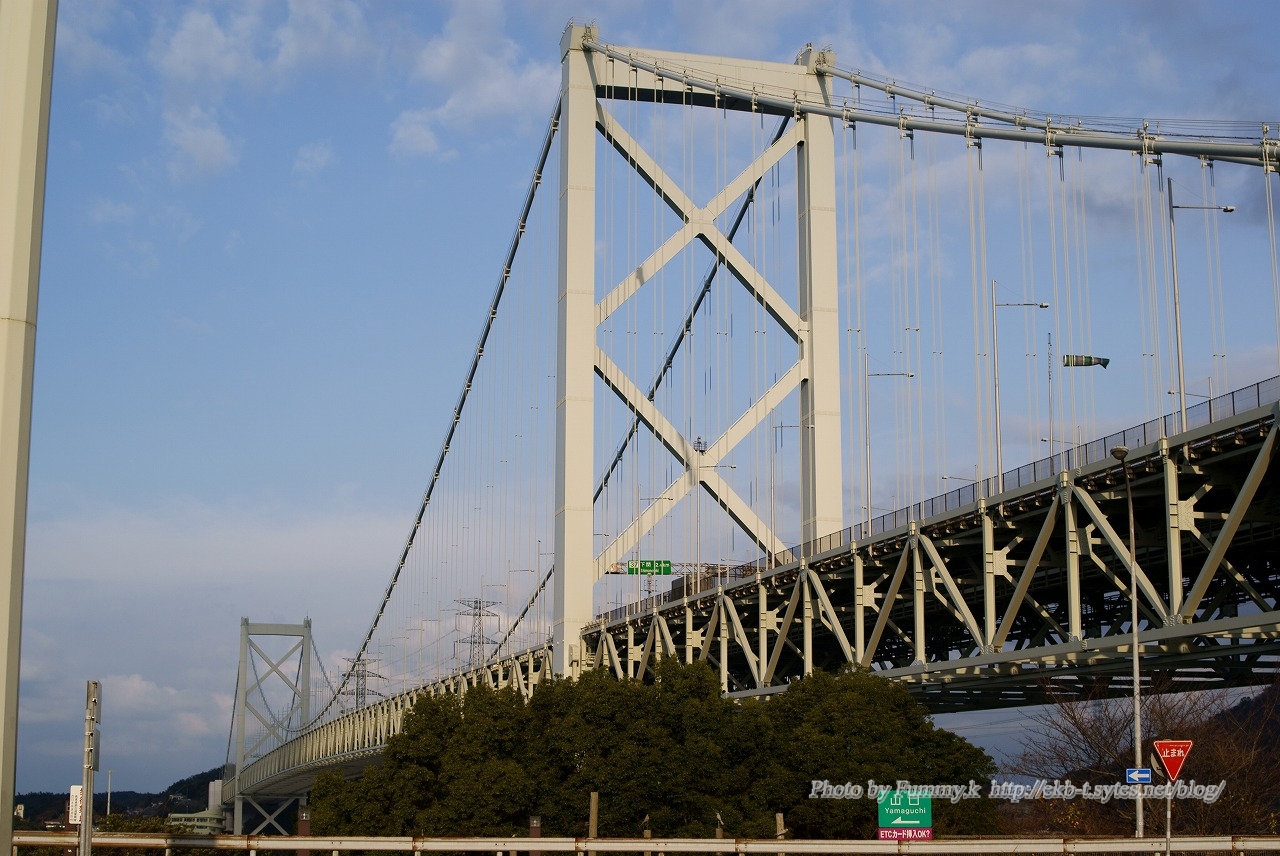
12月に入り世間は師走で忙しいようだ。関門も先日事故があったくらいで、結構船の往来が激しいかと思いきや、それほどでもなかった。大型船があまり航行していないようだ。師走といえども、不景気なので、船の往来も減っているのだろう … “師走の関門” の続きを読む
12月に入り世間は師走で忙しいようだ。関門も先日事故があったくらいで、結構船の往来が激しいかと思いきや、それほどでもなかった。大型船があまり航行していないようだ。師走といえども、不景気なので、船の往来も減っているのだろうか。そういえば、新門司から神戸に向かうフェリーは2隻がもう稼動していなそうだなあ。
いよいよふゆだなあ。今年最後の紅葉
いよいよふゆだなあ。今年最後の紅葉
RAIDを構成しようと思い、BIOSの設定を変更していて、ついでにBIOSのアップデートも行おうと、BIOSのTools から ASUS EZ Flash 2 でアップした。 これは、簡単に出来た。 しかし、その後が大変 … “起動せず” の続きを読む
RAIDを構成しようと思い、BIOSの設定を変更していて、ついでにBIOSのアップデートも行おうと、BIOSのTools から ASUS EZ Flash 2 でアップした。
これは、簡単に出来た。
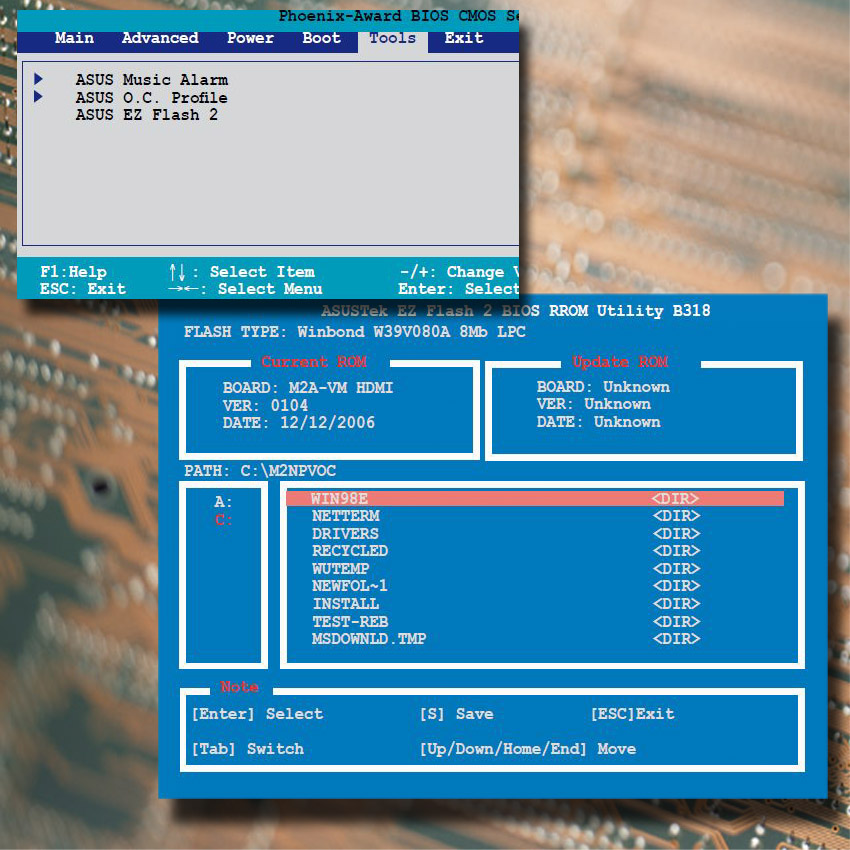
しかし、その後が大変。BIOSのアップデートが終わると、再起動のメッセージが出た。それはそうだと、再起動させたところ、起動しない。電源は入るのだが、POST画面が出ず、起動のピィの音も出ない。
えぇーっ
しばらく、絶句!!。
何度か、電源を切り、再度電源を入れてみるが、ダメ!!
黒い画面を眺めていたが、気を取り直し、原因を考えてみた。
昨日、グラフィックカードを変更したので、それが原因かと考えた。もともとマザーのASUS M2A-VM HDMI はオンボードでVGA(AMD690G)をつんでいる。こちらの負担をなくしてみようと考えグラフィックカードを追加した。なので、グラフィックカードを後でつけた場合、BIOSの設定でこのオンボードのVGAは切るようにしているのだが、これがひょっとして、BIOSをアップデートしたことにより初期状態になって、動作がおかしくなったのではと考えた。
早速、まず追加したビデオカード
(GALAXY GF P96GT/512D3/LOW POWER)
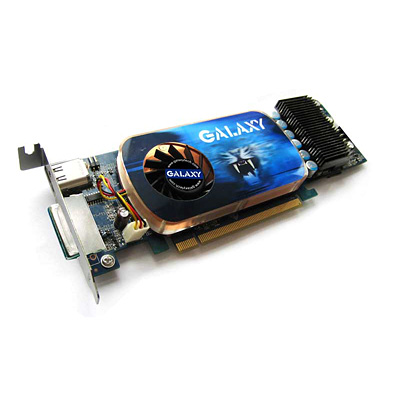
をまた取り外し、ディスプレイをオンモードVGA出力に差し替え。さらに、CMOSクリアのため、ボタン電池を暫くはずして、再起動。
すると、見事に再起動。OSの起動まで確認後、BIOS設定を外部グラフィックカードへ切り替え、再起動をすると、元通りに起動した。BIOSのバージョンも無事アップデートされている。
はぁー。胸を撫で下ろす。
まあ、マザーボードのBIOSアップデートは標準状態で行うというのは、常識といえば常識なのだが、やはりオンボードVBAのマザーでは、問題がおおいのだなあと反省。
無事に正常動作に戻ったのでよしとしよう。
ひき続き、RAID0の構成にかかった。なんか回り道したがまあいいか。
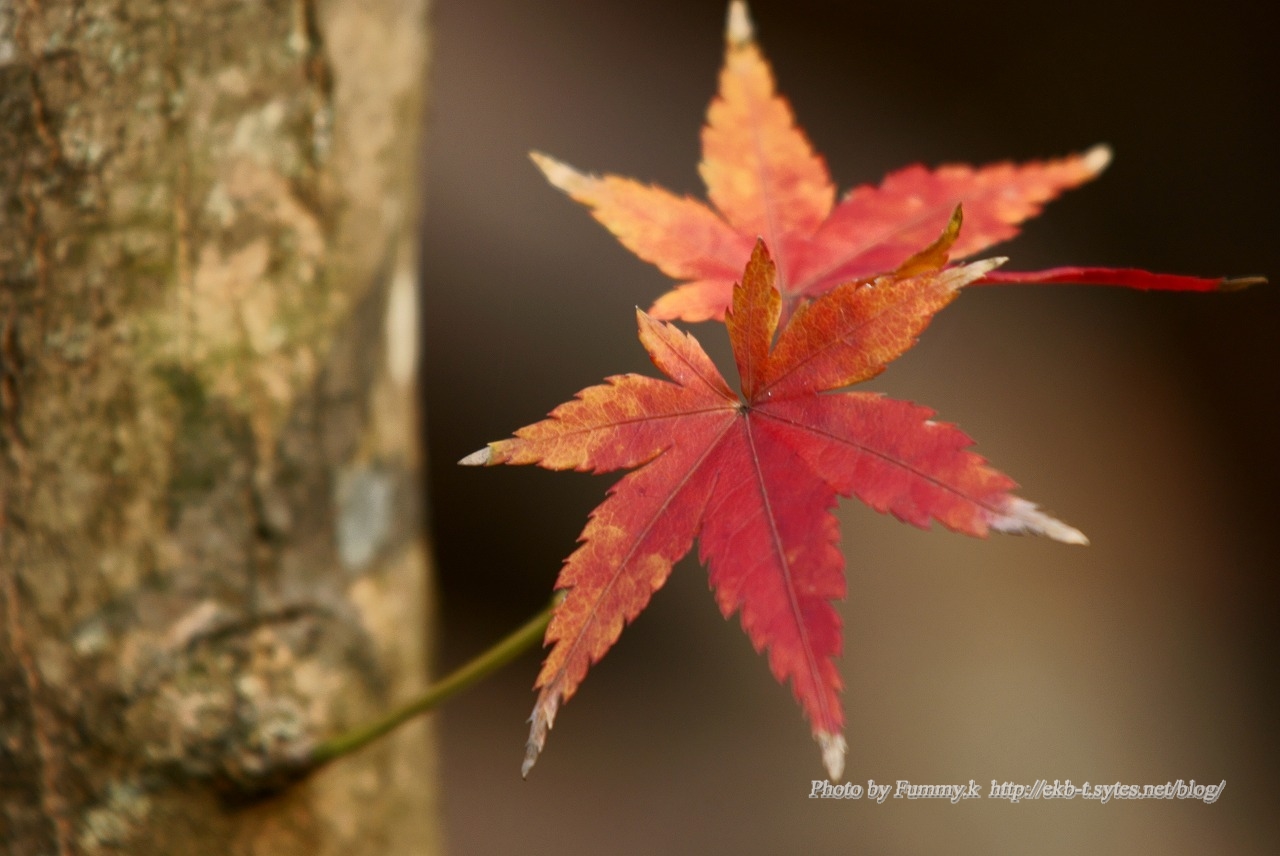
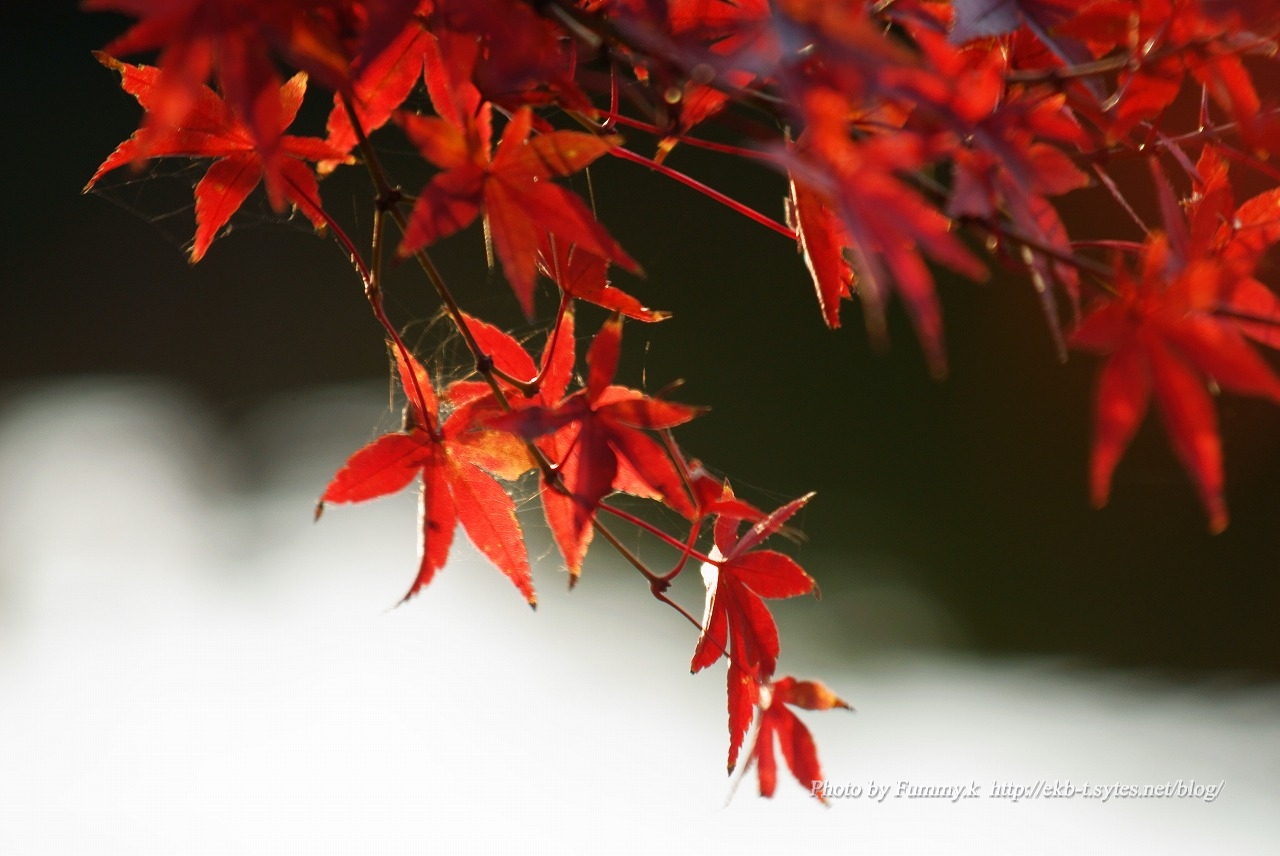
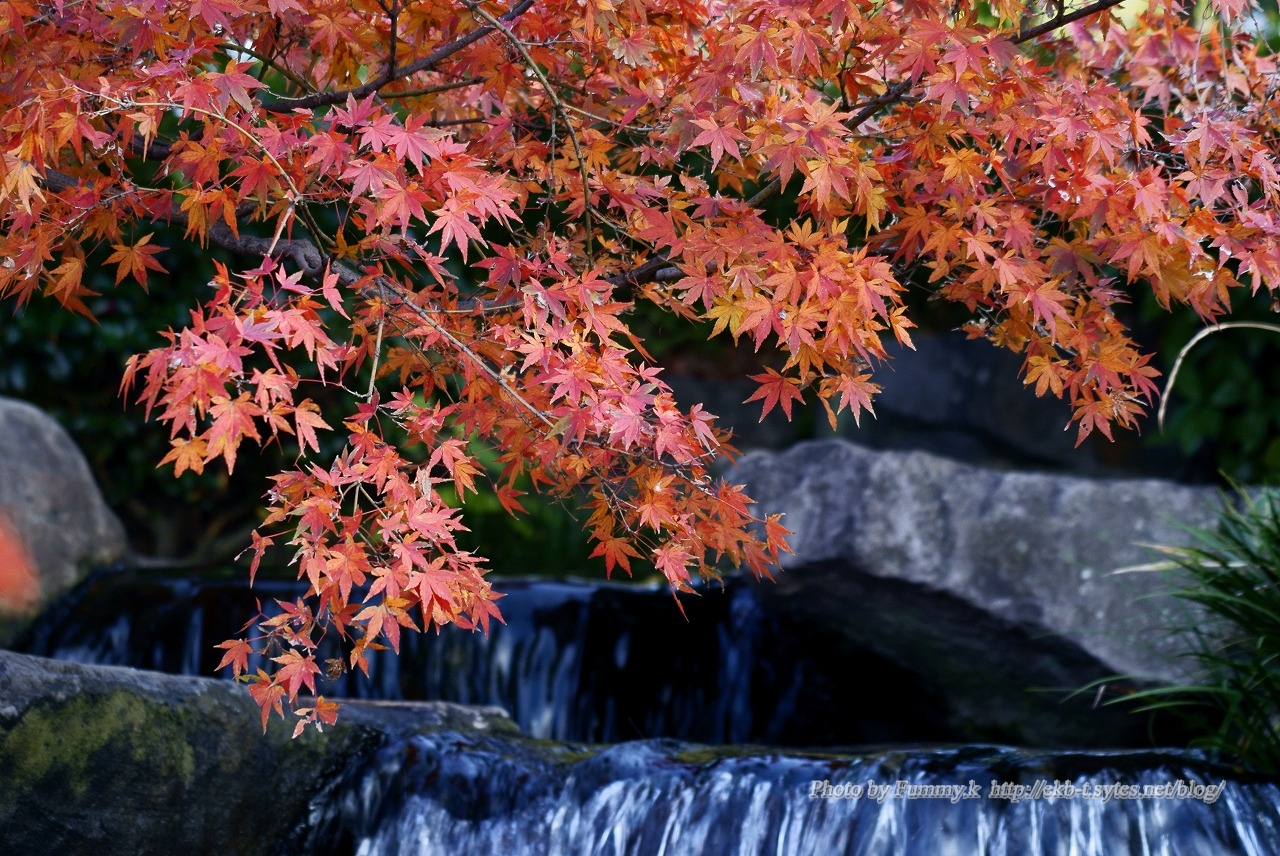
いよいよ秋も終わり冬がやってくる。 そんな時期、晩秋の紅葉。
いよいよ秋も終わり冬がやってくる。
そんな時期、晩秋の紅葉。
HD画質の動画色々扱おうと思って初めてみたら。圧倒的にマシンが非力だった。 一番は、HDDの読み書きスピードがとにかく遅すぎるようだ。それにグラフィックカードもHDのサポートがいいものをつけなくてはいけないようだ。 まあ … “HD画質” の続きを読む
HD画質の動画色々扱おうと思って初めてみたら。圧倒的にマシンが非力だった。
一番は、HDDの読み書きスピードがとにかく遅すぎるようだ。それにグラフィックカードもHDのサポートがいいものをつけなくてはいけないようだ。
まあ、Quick Time のHD画質のトレイラがうまく再生できなかったので、うすうすは分かっていたのだが...。
メモリーも増やそう。CPUも高速にと思ったが、AMD Athlon 64 X2 4800+を使用しているのだが、このマザーSoketAM2の高速CPUがもうあまり手に入らないようだ。世間はもうSocket AM2+かSocket AM3 の Phenom、PhenomⅡが主流だ。IntelならCorei7かなあ。マザーも換えなくては。それか中古CPUで探すか。
HDDが遅いのはRAID0で高速化してみよう。
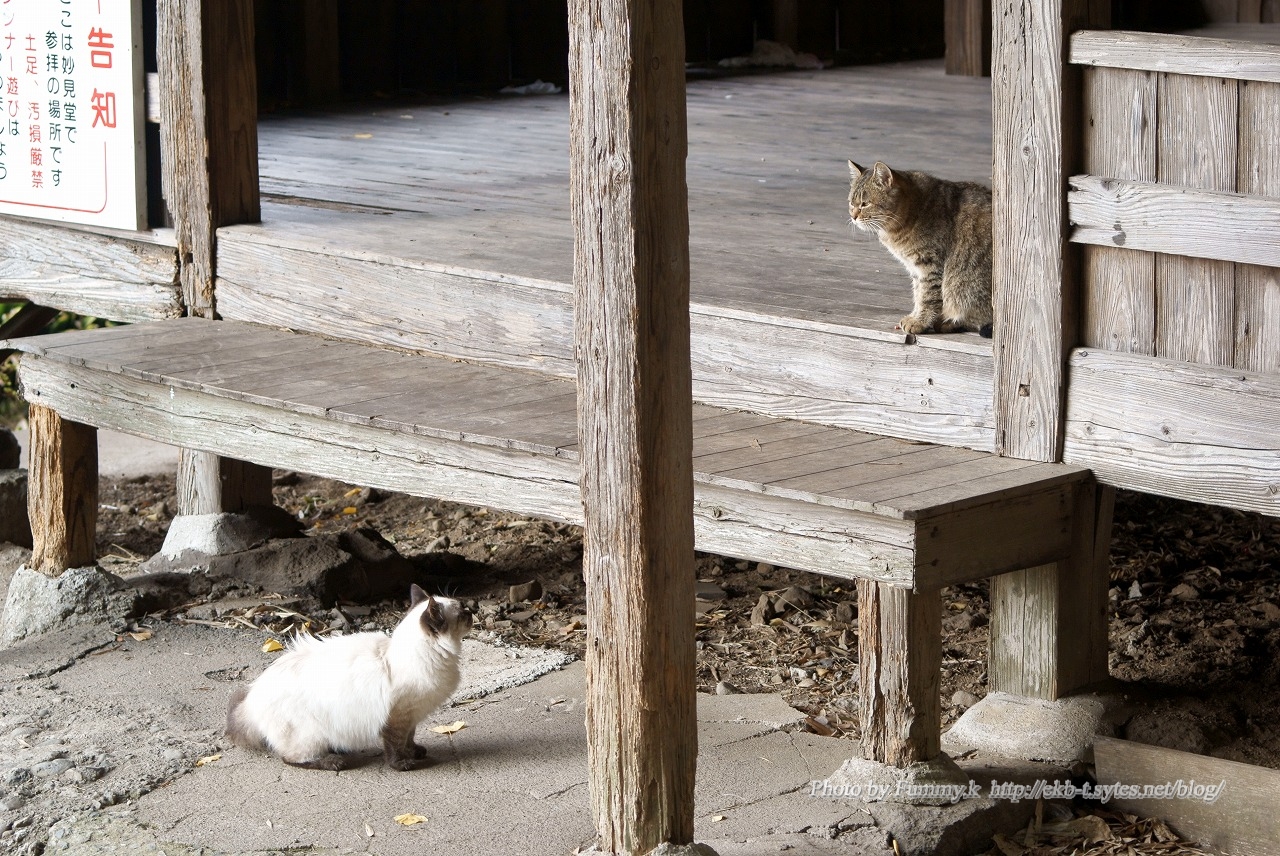
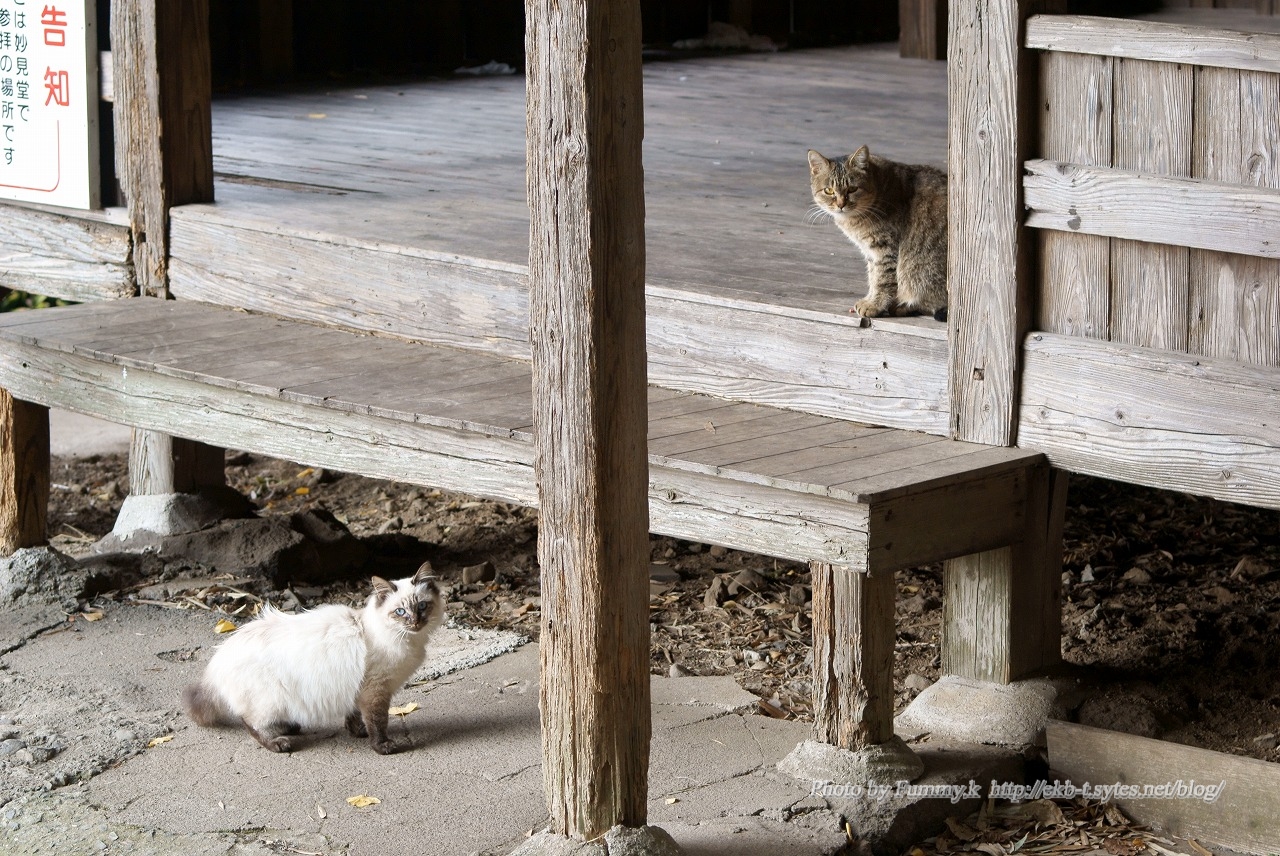
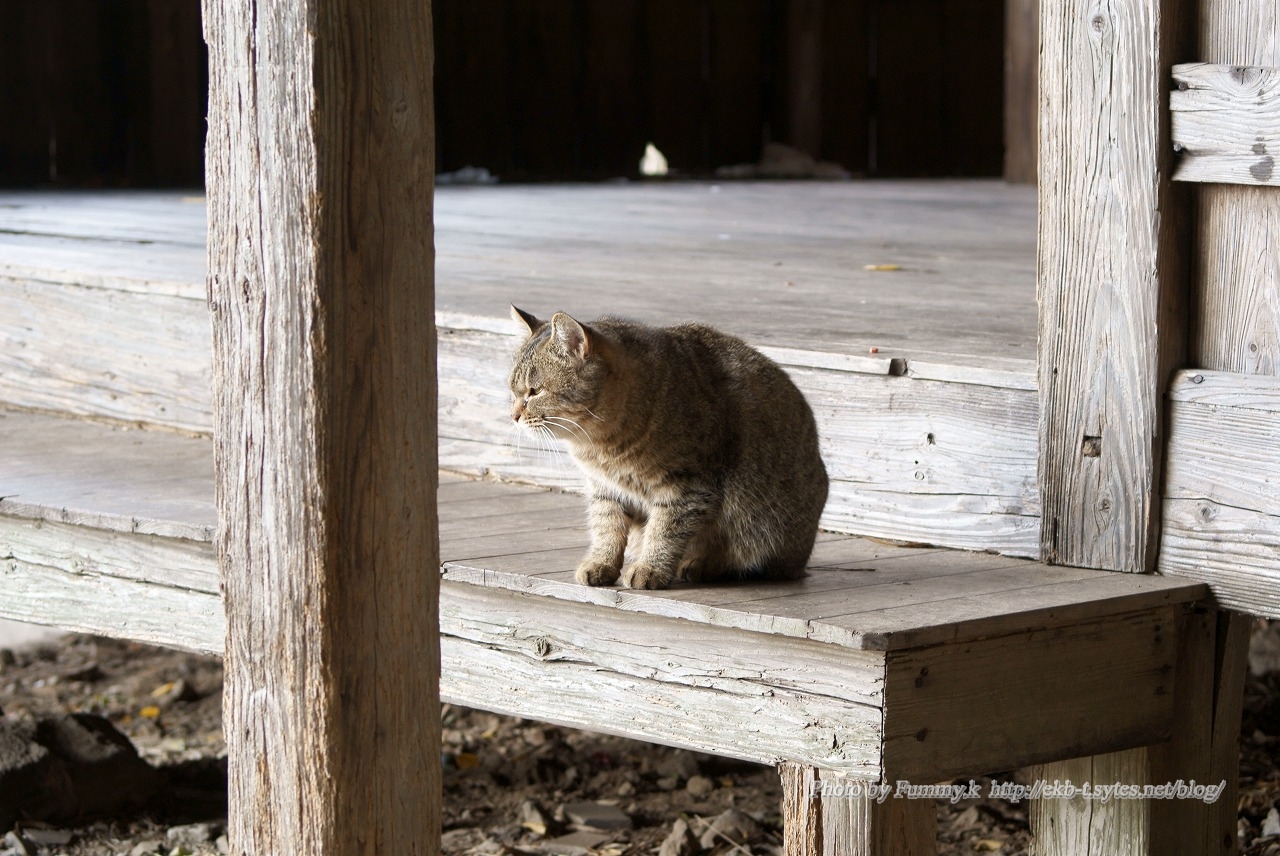
近所の公園にのらねこがいる。結構毛並みのいい猫もいるので、かいねこかな。 晩秋の小春日和にねこはのんびり。 しかし、ねこどうしが出会うと、一瞬緊張がはしります。 厳しい猫の世界。 I saw some stray cat … “のらねこ – Stray cats” の続きを読む
近所の公園にのらねこがいる。結構毛並みのいい猫もいるので、かいねこかな。
晩秋の小春日和にねこはのんびり。
しかし、ねこどうしが出会うと、一瞬緊張がはしります。
厳しい猫の世界。
I saw some stray cats at the park near my house. I guess they are at the heat.
にらみ合い glaring at each other
勝った win
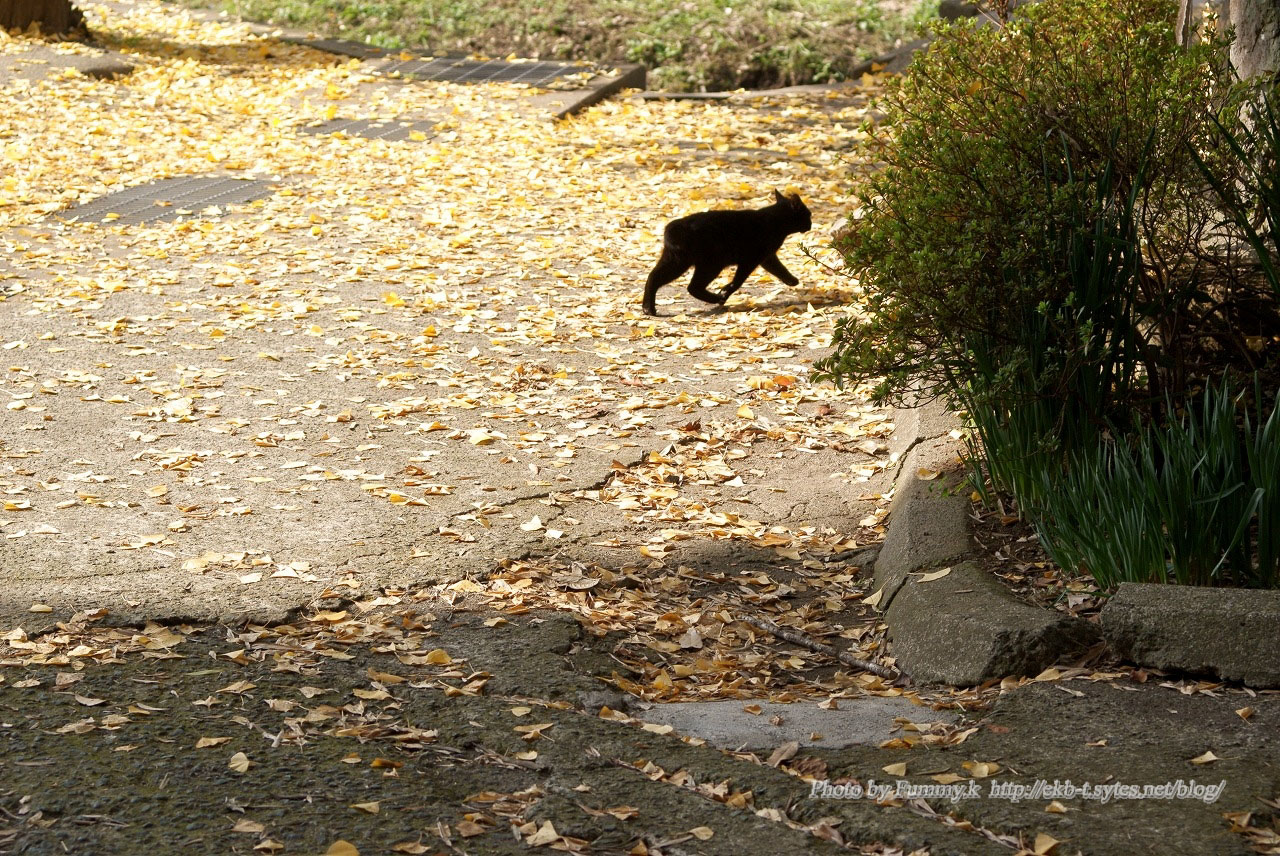
黒猫もいる here comes black one
修理といっても、機能がおかしいわけではなく、最近寒くなってきたら、音が大きくなってきた。これはFanが古くなって音がしだしたのだろうと思いどのFanからかと調べたところ、電源の12cmFanからだった。大きくて回転が遅い … “wwwサーバの修理” の続きを読む
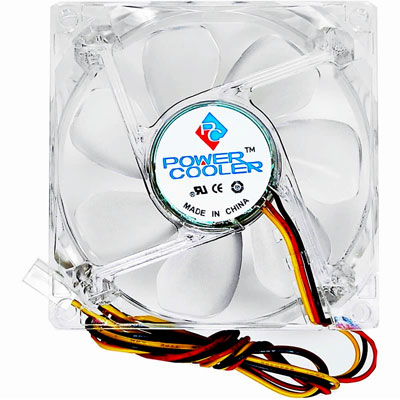
修理といっても、機能がおかしいわけではなく、最近寒くなってきたら、音が大きくなってきた。これはFanが古くなって音がしだしたのだろうと思いどのFanからかと調べたところ、電源の12cmFanからだった。大きくて回転が遅いので、まさかこんなに音がしだすとは思わなかった。さっそく余っていた電源に交換した。新しい電源に換えても良かったが。サーバのハードも交換を予定しているので、それまでのつなぎだ。(現サーバは2008年2月25日より稼動)交換して電源を入れると、まだ音がする。どうもCPUのFanからだ。PenⅢSoket370なので、換えのFanはもう手に入らないので、どうしようかと思ったが、ヒートシンクの上に8cmFanの静音Fanをつけた。これで、ほとんど無音と行って良いほどの静かになった。
使用したFan
ENERMAX
POWERCOOLER UC-8FSC
最近回線が切れたりしていたので、回線のチェックも兼ねて久しぶりに回線速度を測ってみた。 使用したのはBNRスピードテスト 結果 —— BNRスピードテスト (ダウンロード速度) —&# … “回線速度” の続きを読む
最近回線が切れたりしていたので、回線のチェックも兼ねて久しぶりに回線速度を測ってみた。
使用したのはBNRスピードテスト
結果
—— BNRスピードテスト (ダウンロード速度) ——
測定サイト: http://www.musen-lan.com/speed/ Ver3.5001
測定日時: 2009/11/21 19:56:23
回線/ISP/地域:
————————————————–
1.NTTPC(WebARENA)1: 43412.563kbps(43.412Mbps) 5426.22kB/sec
2.NTTPC(WebARENA)2: 42024.173kbps(42.024Mbps) 5252.12kB/sec
推定転送速度: 43412.563kbps(43.412Mbps) 5426.22kB/sec
まあ、50M程度は出ているので、まあまあかな。
最近は更に高速の、「フレッツ 光ネクスト」もあるが、これに換えると、常時100M超の速度がでるかなあ。
その後
—— BNRスピードテスト (ダウンロード速度) ——
測定サイト: http://www.musen-lan.com/speed/ Ver3.5001
測定日時: 2009/11/23 13:41:13
回線/ISP/地域:
————————————————–
1.NTTPC(WebARENA)1: 61107.41kbps(61.107Mbps) 7637.8kB/sec
2.NTTPC(WebARENA)2: 45229.292kbps(45.229Mbps) 5652.96kB/sec
推定転送速度: 61107.41kbps(61.107Mbps) 7637.8kB/sec
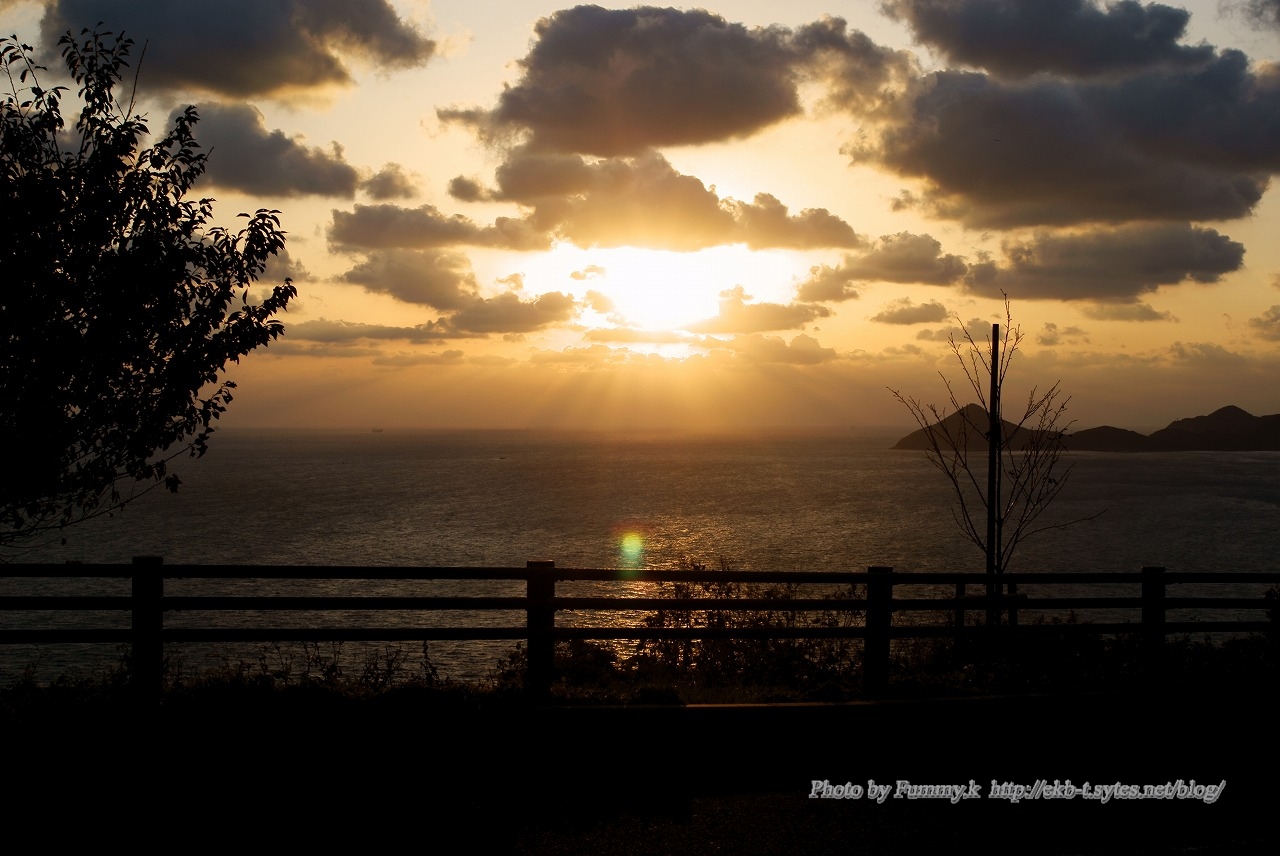
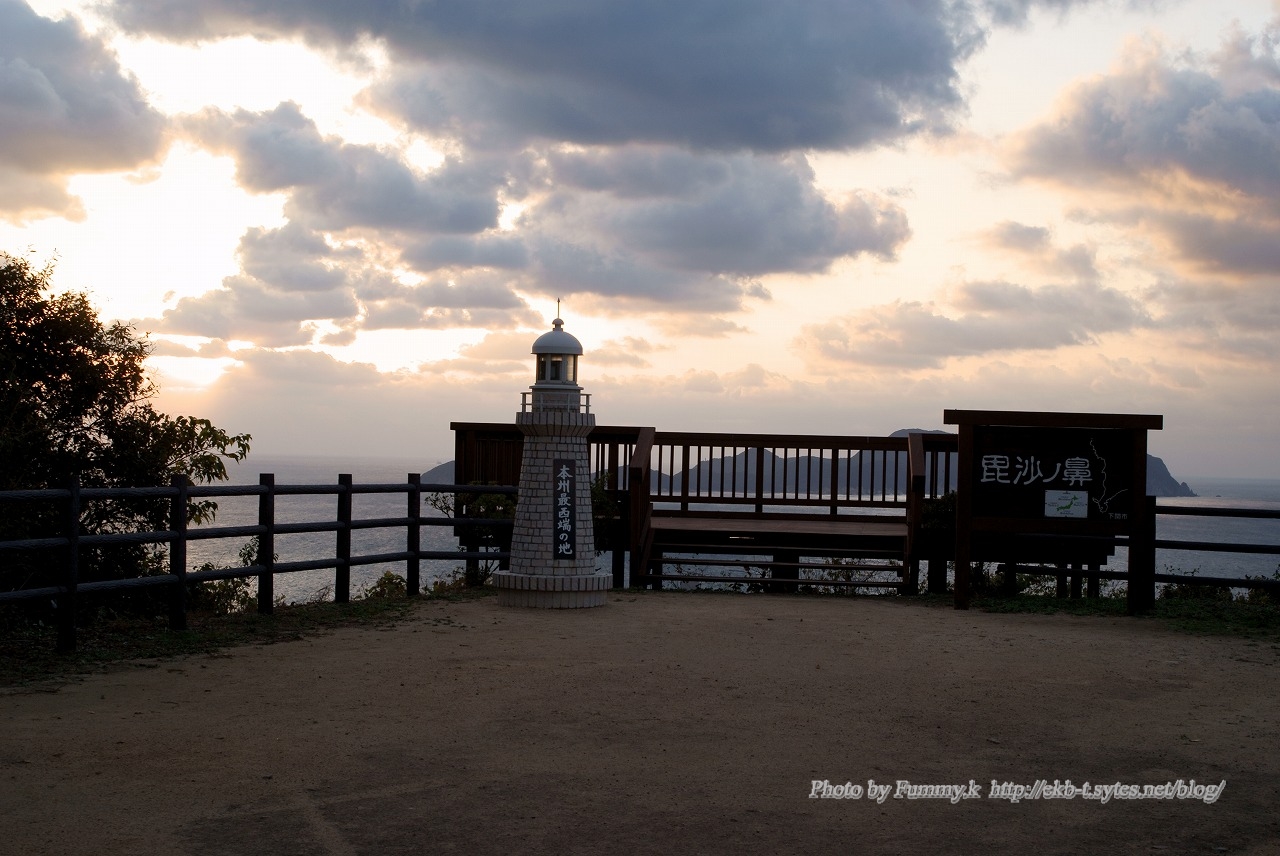
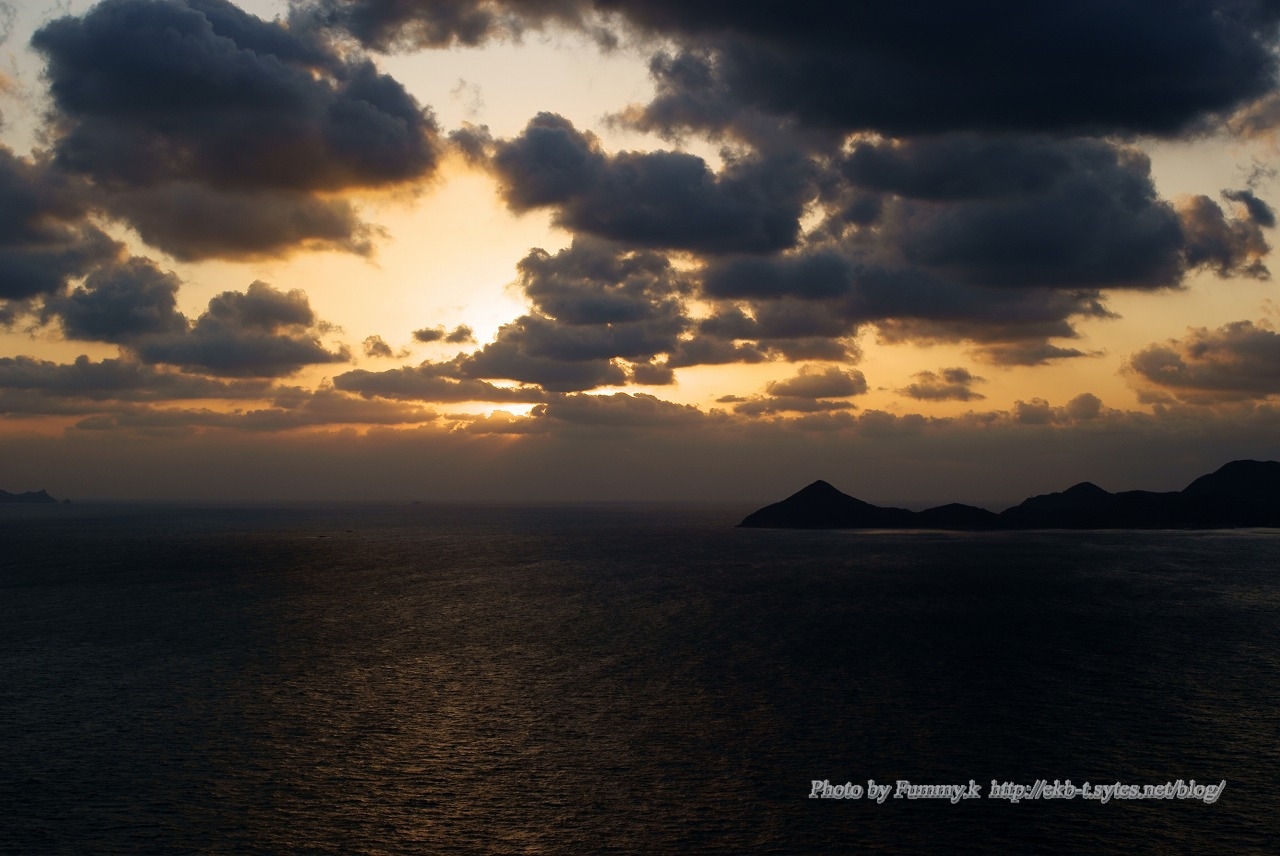
本州最西端の「毘沙の鼻」に行ってみた。夕日が沈む時間に行った。静かな秘密の場所を発見した。日本海に沈む夕日はとても綺麗だった。 We went to the place called “BISYANOHANA … “本州最西端 – West end of HONSYU Japanese main land” の続きを読む
本州最西端の「毘沙の鼻」に行ってみた。夕日が沈む時間に行った。静かな秘密の場所を発見した。日本海に沈む夕日はとても綺麗だった。
We went to the place called “BISYANOHANA” where is the West end of HONSYU Japanese main land.
We got there in the evening. Nobody was there. We felt that we found our secret place.
The Sea of Japan where the sun set was so beautiful.
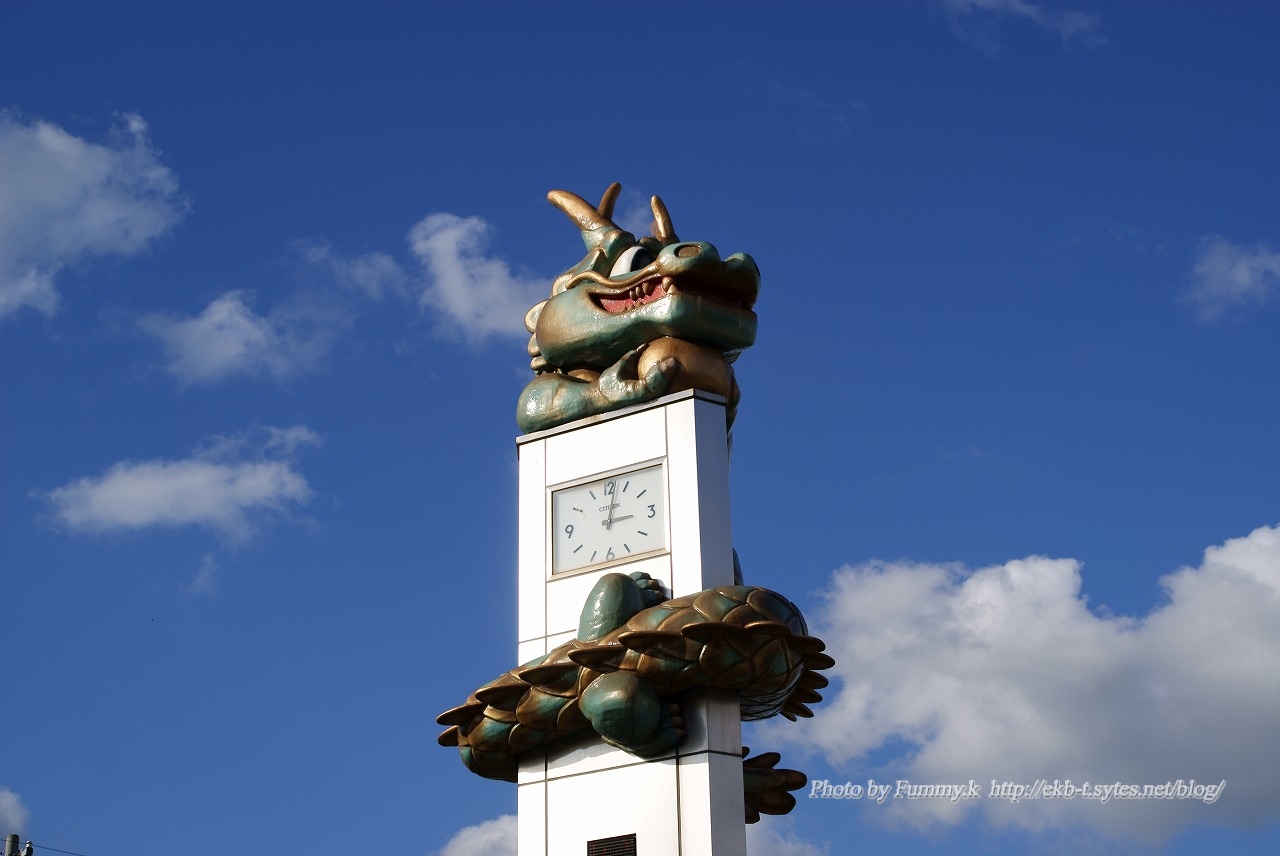
川棚駅前には時計台があり、それに青い龍が巻きついてる。なぜ青い龍なのか分からなかったが、やっと分かった。どうも神話に沿っているようだ。この龍、近くで見ると結構かわいい。 その神話はつぎのよう。 今からおよそ1400年前、 … “川棚温泉青龍伝説” の続きを読む
川棚駅前には時計台があり、それに青い龍が巻きついてる。なぜ青い龍なのか分からなかったが、やっと分かった。どうも神話に沿っているようだ。この龍、近くで見ると結構かわいい。
その神話はつぎのよう。
今からおよそ1400年前、欽明天皇の時代、この北浦地方一帯に大きな地震が起こり、川棚の一大沼地に住んでいた沼地の主である青龍が地震のために死にました。
里人たちは、青龍の死を哀れに思い青龍権現として神に祀り、青龍の霊を慰めるため、神前で太鼓を打ちならしました。すると、不思議なことに、青龍の住んでいた跡から温泉がこんこんとわき出ました。
青龍太鼓は、温泉を残してくれた青龍のご恩返しとして、川棚温泉の若者や子供たちに受け継がれて、毎年、4月の温泉まつりになると松尾神社(権現さん)の神前で盛大に披露されています。